

Colourlab AI
Auto-match color across multi-camera footage and apply film looks directly inside Resolve, Premiere, or Final Cut.
colourlab.ai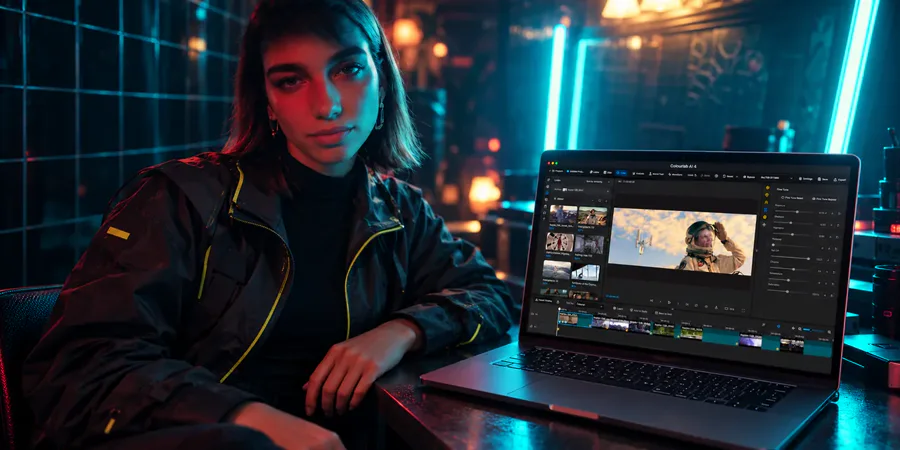
Common uses
Workflow overview
- Workflow stage
- Multi-camera AI color grading
- Best suited for
- Colorists and editors matching mixed cameras and applying cohesive film looks inside Resolve, Premiere, or Final Cut.
- Practical tip
- Balance exposure and white balance on your hero reference shot first so AI shot matching stays consistent across cuts.
FOR MAKERS & TEAMS
Building Colourlab AI? Share your listing badge
Colourlab AI is hand-picked in Tool Dock’s specialist AI index (no generic chatbots or waitlists). Drop this lightweight SVG badge on your site or press page.

Frequently asked questions
What is Colourlab AI best used for?
Colourlab AI (colourlab.ai) is a specialist video post tool focused on color grading, shot matching, film looks. Auto-match color across multi-camera footage and apply film looks directly inside Resolve, Premiere, or Final Cut.
Who should use Colourlab AI and at what workflow stage?
Colourlab AI fits the "Multi-camera AI color grading" stage and is best suited for colorists and editors matching mixed cameras and applying cohesive film looks inside Resolve, Premiere, or Final Cut. Practical tip: Balance exposure and white balance on your hero reference shot first so AI shot matching stays consistent across cuts.
What are good alternatives to Colourlab AI?
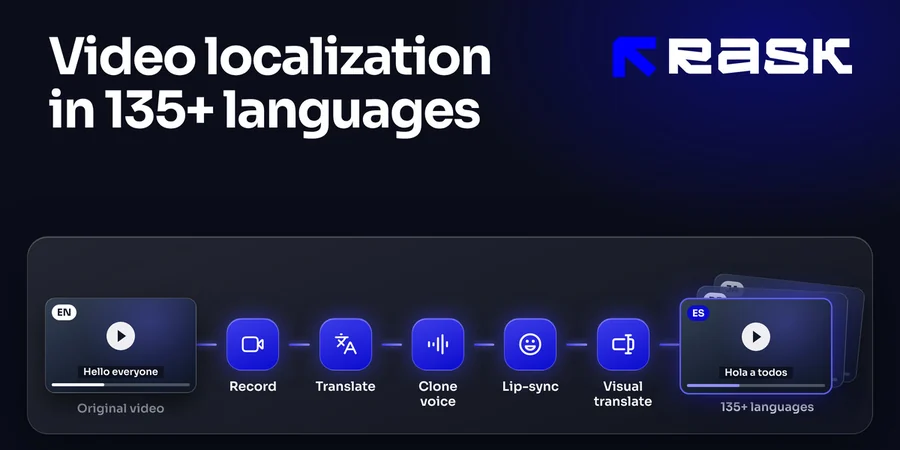
Related specialist tools in Video Post include Submagic, Rask AI, Topaz Video.
Related tools in Video Post
All Video Post tools

Video Post

Topaz Video
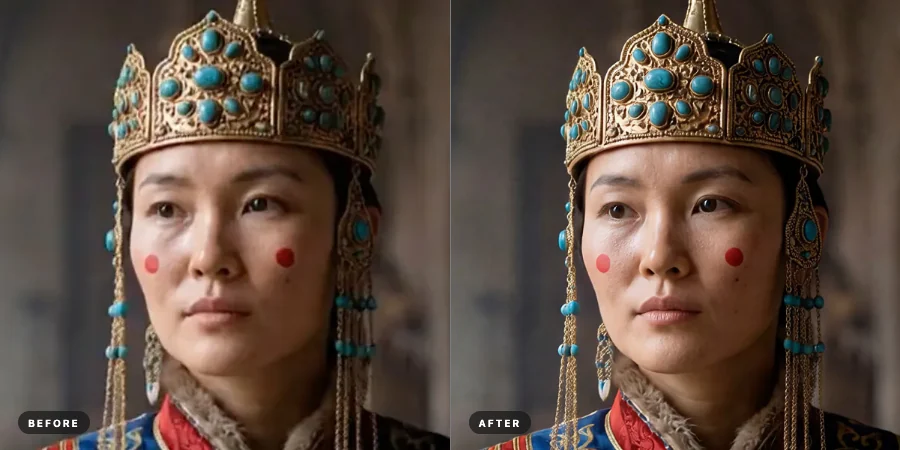
Upscale old footage, reduce noise, and restore detail frame by frame for archival or delivery.