
Submagic
Add animated captions, zooms, and b-roll cues to short videos, then export for Reels or Shorts.
submagic.co
Common uses
Workflow overview
- Workflow stage
- Short-form social captions
- Best suited for
- Creators and social editors adding dynamic captions, B-roll cues, and hooks to Reels/Shorts/TikToks.
- Practical tip
- Proofread proper nouns and brand names in auto-generated captions before final export.
FOR MAKERS & TEAMS
Building Submagic? Share your listing badge
Submagic is hand-picked in Tool Dock’s specialist AI index (no generic chatbots or waitlists). Drop this lightweight SVG badge on your site or press page.

Frequently asked questions
What is Submagic best used for?
Submagic (submagic.co) is a specialist video post tool focused on short captions, auto zooms, social clips. Add animated captions, zooms, and b-roll cues to short videos, then export for Reels or Shorts.
Who should use Submagic and at what workflow stage?
Submagic fits the "Short-form social captions" stage and is best suited for creators and social editors adding dynamic captions, B-roll cues, and hooks to Reels/Shorts/TikToks. Practical tip: Proofread proper nouns and brand names in auto-generated captions before final export.
What are good alternatives to Submagic?
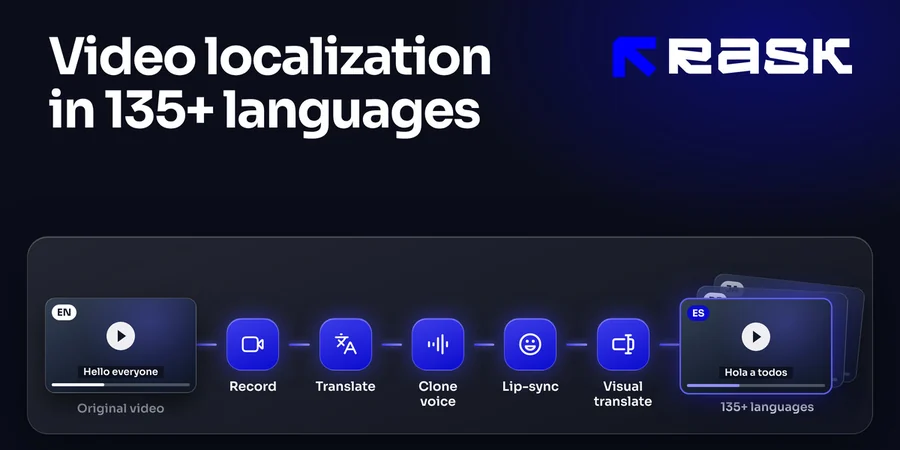
Related specialist tools in Video Post include Rask AI, Topaz Video, Neat Video. You can also view our side-by-side Submagic alternatives guide on Tool Dock.
Related tools in Video Post
All Video Post tools

Video Post

Topaz Video
Upscale old footage, reduce noise, and restore detail frame by frame for archival or delivery.
Video Post

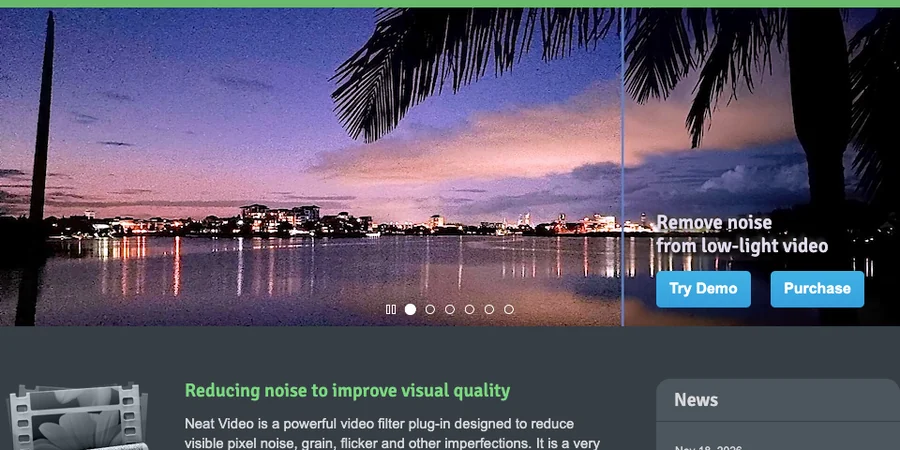
Neat Video
Remove sensor noise and grain from footage with a profile tuned to your camera and ISO.