AI CATEGORY · 6 SPECIALIST TOOLS
AI tools for Fashion & Product
Specialist visual tools built for e-commerce brands, studios, and apparel teams—covering fashion sketch rendering, 3D packaging dielines, staged packshots, batch backgrounds, AI models, and virtual try-on.






Alternatives in Fashion & Product
How to pick a fashion or product photo AI tool
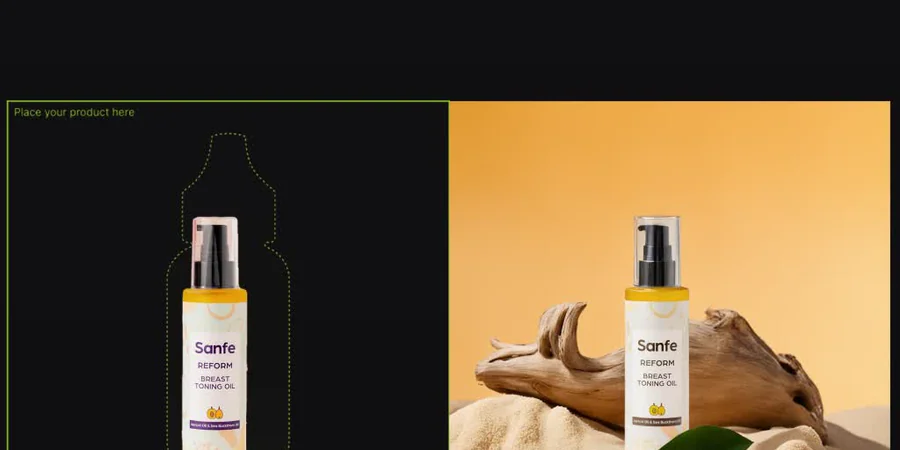
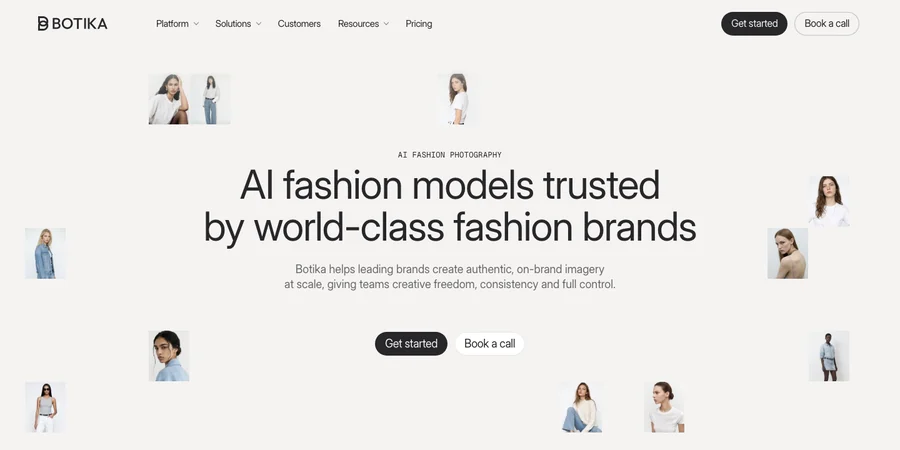
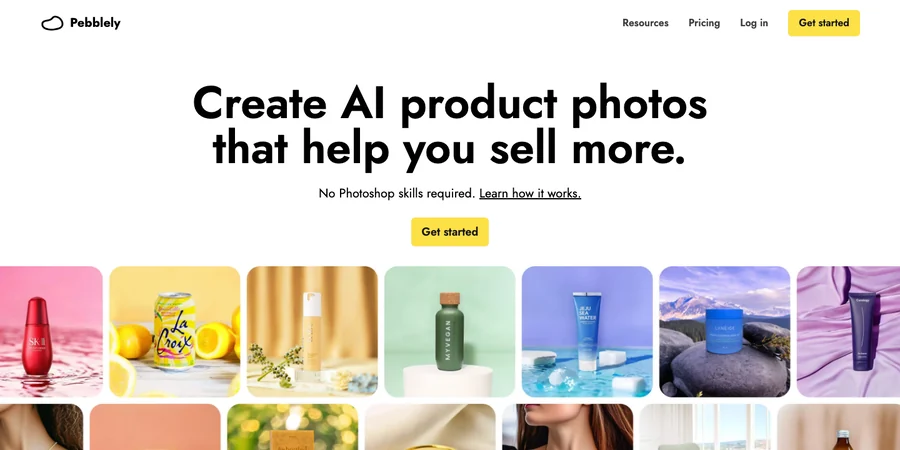
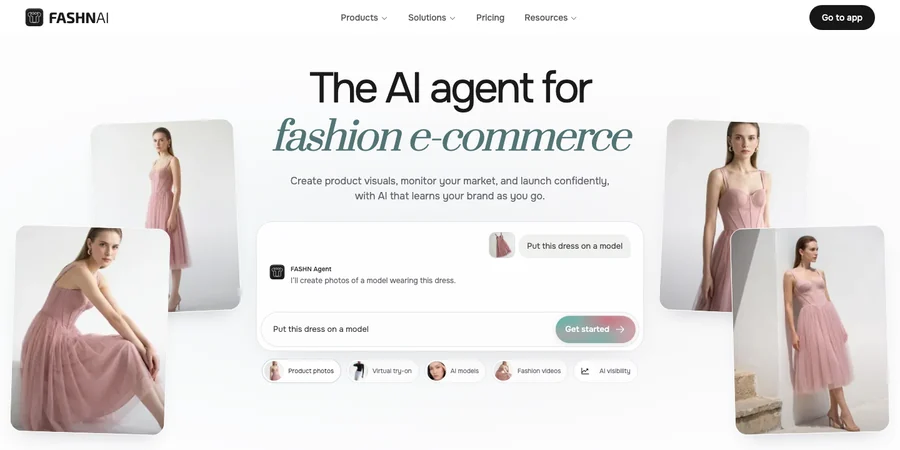
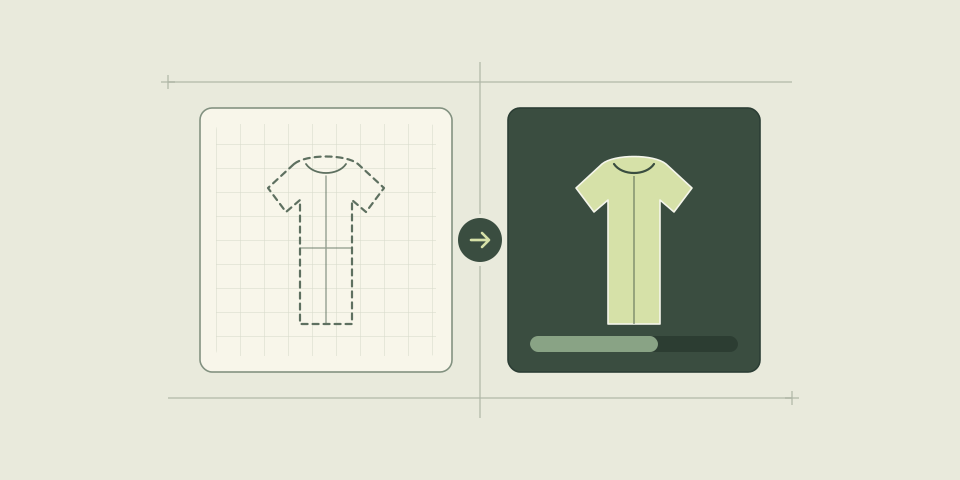
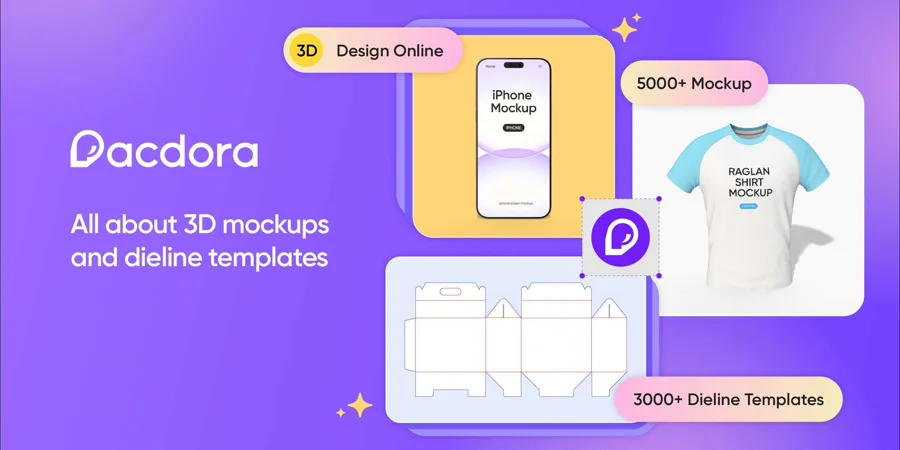
- Separate design, packaging, and photography: NewArc.ai turns garment or footwear sketches into product renders, Pacdora handles box dielines and 3D mockups, Flair AI and Pebblely stage physical products, and Botika and FASHN focus on clothing and models.
- Audit label and fabric preservation: inspect typography on product labels and weave patterns on garments at 100% zoom before publishing to a storefront.
- Standardize export ratios early so product cards stay consistent across Shopify, Amazon, and Instagram feeds.
Frequently asked questions
Which AI tool is better for cosmetics and packaged goods vs clothing?
For packaged goods and studio props, Flair AI, Pebblely, and Pacdora give tighter packaging and scene control. For garments on models or virtual try-on, use apparel-specific tools like Botika or FASHN.
What image format should I export for an online store?
Export clean PNGs for source cutouts with transparency, then convert final storefront product images to WebP or compressed JPG for faster page loads.