
Tool DockNICHE AI INDEX

AI CATEGORY · 6 SPECIALIST TOOLS

AI tools for Craft & 3D

Focused creative utilities for makers, indie game developers, hardware builders, and visual designers—spanning tattoo concepts, trained color palettes, pixel art sprites, 3D meshes, parametric CAD, and brick-building guides.

Craft & 3D

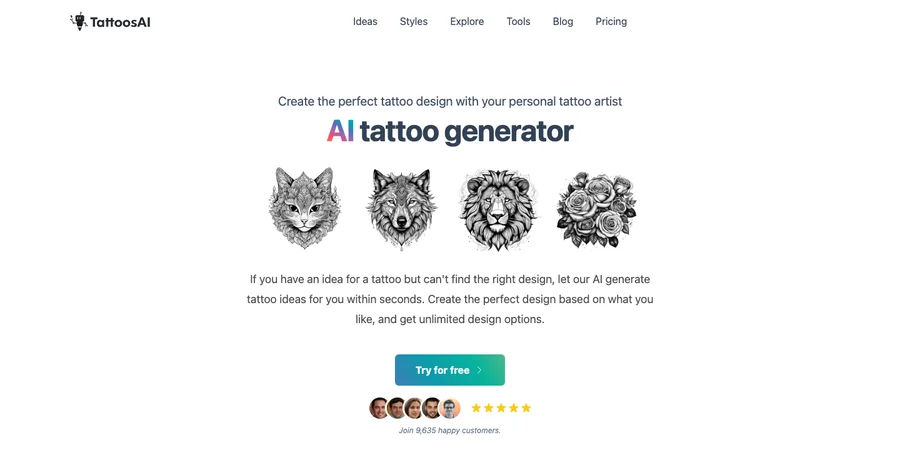
Tattoos AI

Describe a motif, style, and body placement to get tattoo concepts and stencil-ready references.
  • Tattoo concepts
  • Stencil references
Visit
Craft & 3D

Khroma

Train a color palette on the hues you like, then search and save combinations for brand or UI work.

  • Color palettes
  • Brand colors
Visit
Craft & 3D

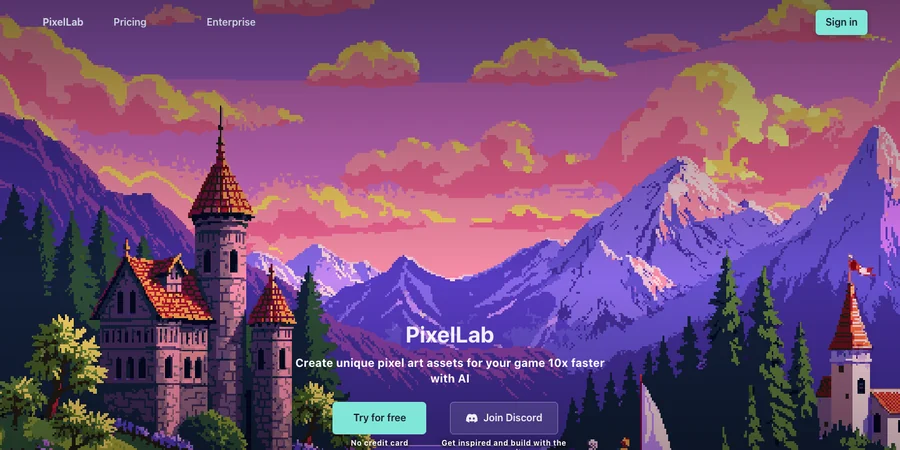
PixelLab

Generate pixel-art characters, tiles, and animations, then export sprite sheets for a game engine.

  • Pixel art
  • Sprite sheets
Visit
Craft & 3D

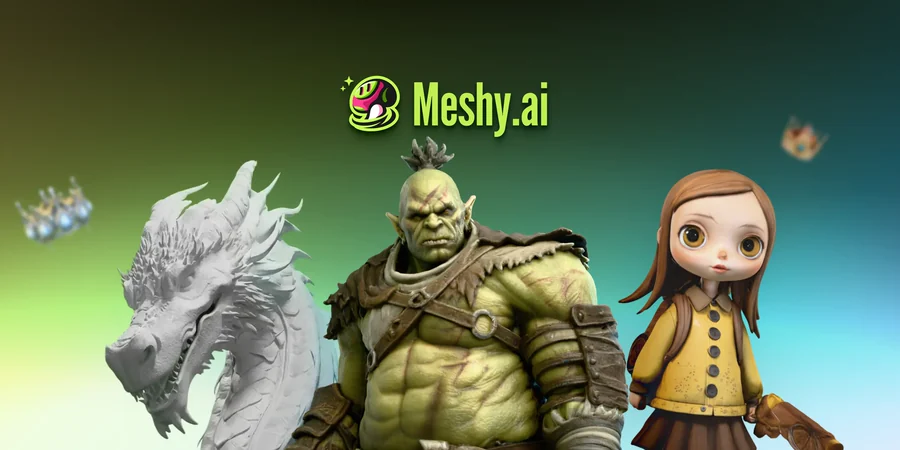
Meshy

Turn text or images into textured 3D models and export them for games, printing, or AR.

  • 3D models
  • Text to 3D
Visit
Craft & 3D

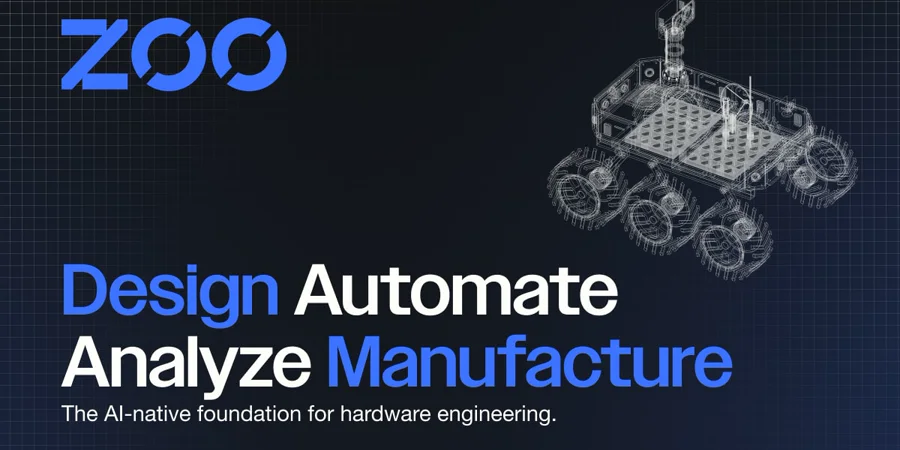
Zoo

Generate editable parametric CAD parts from text and export STEP or STL files for 3D printing and CNC.

  • Text to CAD
  • STEP export
Visit
Craft & 3D

Brickit

Scan a pile of loose LEGO bricks with your phone to see what models you can build with the pieces on hand.

  • Brick scanning
  • Build instructions
Visit

Alternatives in Craft & 3D

How to pick a craft, sprite, or 3D AI tool

Frequently asked questions

Can AI generate game-ready pixel art with consistent palettes?

General image models struggle with true pixel grids. Dedicated sprite tools like PixelLab align output to pixel art conventions, animations, and directional views.

What is the difference between text-to-3D meshes and text-to-CAD?

Mesh generators like Meshy output textured polygon models (GLB/FBX/OBJ) suited for games and concept art, whereas parametric CAD tools like Zoo output editable B-rep STEP/STL geometry suitable for 3D printing and CNC machining.

Helpful browser utilities

Explore other AI categories