Flair AI
Build studio product scenes from a photo. Arrange props, set lighting, and keep the packshot editable.
flair.ai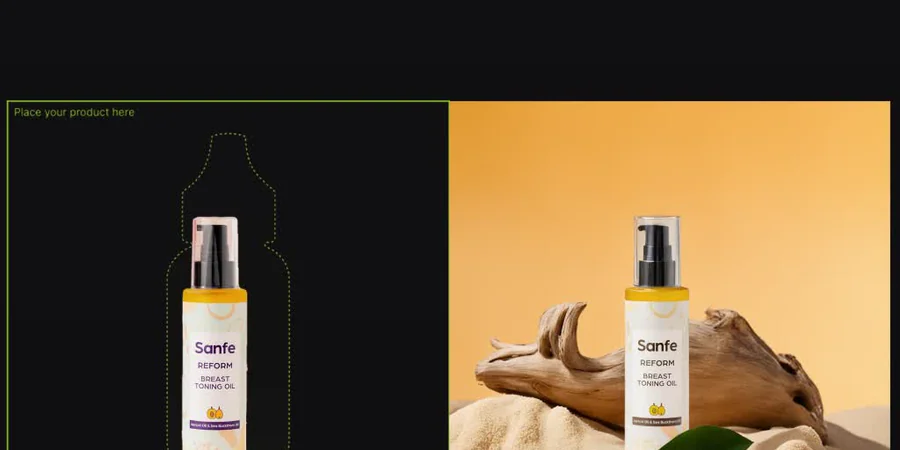
Common uses
Workflow overview
- Workflow stage
- Staged product scenes
- Best suited for
- DTC brands and designers creating controlled studio product photography with props and lighting.
- Practical tip
- Upload a clean transparent PNG of your product with sharp label edges before arranging props.
FOR MAKERS & TEAMS
Building Flair AI? Share your listing badge
Flair AI is hand-picked in Tool Dock’s specialist AI index (no generic chatbots or waitlists). Drop this lightweight SVG badge on your site or press page.

Frequently asked questions
What is Flair AI best used for?
Flair AI (flair.ai) is a specialist fashion & product tool focused on product scenes, packshots, e-commerce. Build studio product scenes from a photo. Arrange props, set lighting, and keep the packshot editable.
Who should use Flair AI and at what workflow stage?
Flair AI fits the "Staged product scenes" stage and is best suited for dTC brands and designers creating controlled studio product photography with props and lighting. Practical tip: Upload a clean transparent PNG of your product with sharp label edges before arranging props.
What are good alternatives to Flair AI?
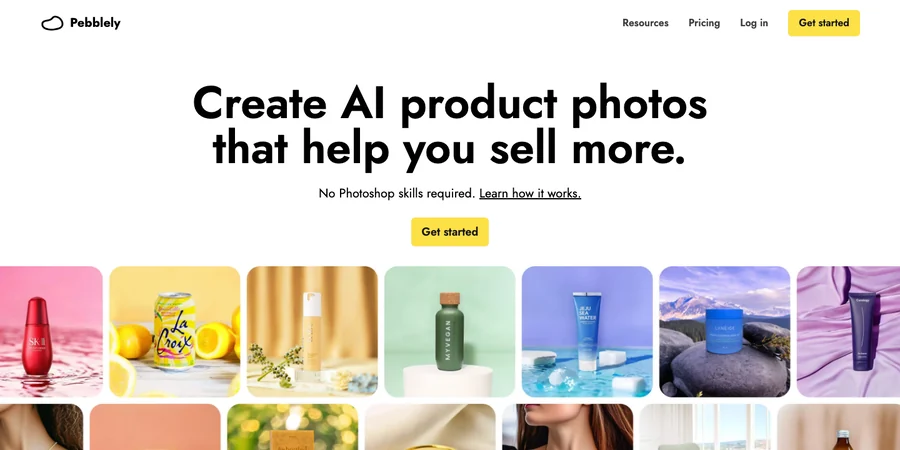
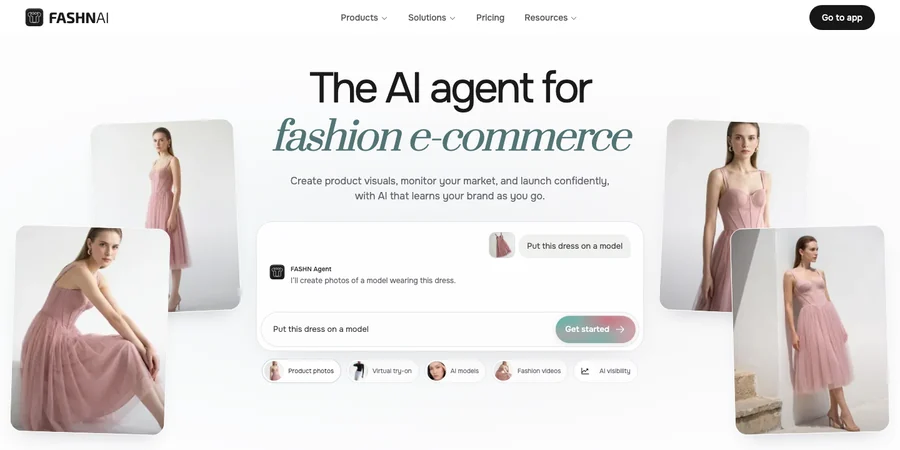
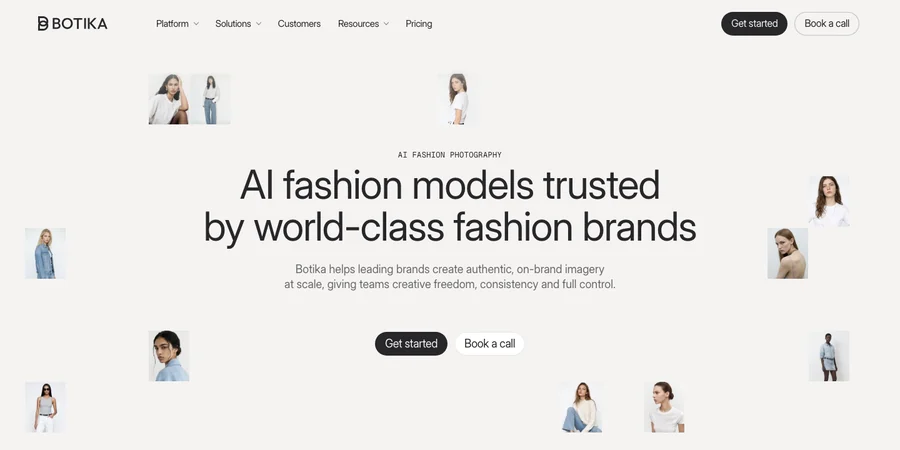
Related specialist tools in Fashion & Product include Botika, Pebblely, FASHN. You can also view our side-by-side Flair AI alternatives guide on Tool Dock.